Quick Guide
- Paint Your Friends uses a block-by-block color-by-number system.
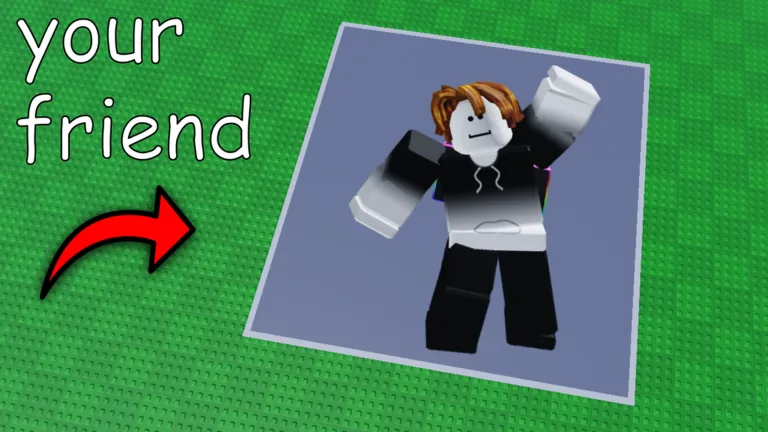
- Players load friend or celebrity icons as canvases.
- Fill in numbered blocks with corresponding colors at your own pace.
- Paintings save automatically, allowing for real-time social co-painting.
- A Paint Completion Planner helps track progress without requiring Roblox login.
Paint your Friends! on Roblox offers a unique social art experience where creativity meets collaboration. At its heart lies the intuitive Paint Your Friends Roblox color by number system, designed for players to easily transform digital icons into vibrant pixel art. This guide breaks down the core mechanics, helping you understand how numbered areas translate into colors and the overall workflow for completing your masterpieces.
Understanding the Core Color-by-Number Mechanic
The fundamental mechanic in Paint your Friends! is its straightforward color-by-number system. When you load an icon onto your canvas, it transforms into a grid of numbered blocks. Each number corresponds to a specific color that you'll use to fill in that block. This process is designed for accessibility, ensuring that anyone can enjoy the act of creation without needing advanced artistic skills.
The game encourages a relaxed pace, focusing on the steady reveal of the image rather than speed or competition. You simply select the correct color for each numbered block and watch your canvas come to life, one pixel at a time. This block-by-block approach makes the painting process manageable and enjoyable, whether you're working solo or alongside friends.
Starting Your Canvas: Loading Icons and Choosing Your Project
To begin painting, you first need a subject for your canvas. Paint your Friends! allows you to load various icons, including those of your actual friends or even celebrities. This personal touch adds a layer of engagement, as you're not just coloring a generic image but bringing a familiar face to life through pixels.
Once an icon is selected, the game presents it as a pixelated canvas ready for your brush. The key is to choose a manageable first painting, especially if you're new to the game or the color-by-number concept. This ensures a satisfying experience as you learn the ropes and get accustomed to the game's rhythm. The process is designed to be user-friendly, letting you dive into creativity almost instantly.
The Social Rhythm of Painting and Sharing
One of the standout features of Paint your Friends! is its social dimension. The game allows you to paint alongside other players in real time, turning a solitary activity into a shared creative endeavor. You might find yourself collaborating on a large canvas, each contributing to different sections, or simply enjoying the company of others while working on your own project.
Your progress saves automatically in Paint your Friends!
While the game's public description confirms automatic saving, it doesn't specify an interval or recovery guarantee. For art you particularly value, consider taking a screenshot as a backup.
When your creation feels complete, the game's automatic saving feature ensures your progress isn't lost. This allows you to step away and return to your canvas at any time. Sharing your finished artwork is also a core part of the experience, letting you showcase your efforts and celebrate with the community.
Planning Your Painting Sessions with the Completion Planner
For players who like to plan or track their progress, the Paint Completion Planner is a useful external tool. This free, input-only resource provides a simple checkpoint system for your canvases or shared sessions. It's designed to help you organize your painting efforts without interfering with your game experience.
Crucially, the planner never asks for your Roblox login details, nor does it claim to reveal hidden game values. It acts purely as an organizational aid, respecting your privacy and focusing on enhancing your planning process. You can open the completion planner via the official guide site to help manage your painting goals.
Official Game Details: What We Can Verify Right Now
Based on public metadata from Roblox's API and the official game page, here's a snapshot of Paint your Friends!:
| Field | Current Public Value |
|---|---|
| Creator | prompted enterprises · group 314161503 |
| Genre | Party & Casual · Coloring & Drawing |
| Server size | 8 players |
| Public Activity Snapshot | 8,803 playing · 5,846,957 visits · 19,813 favorites (as of Aug 9, 2026) |
| Roblox Dates | Created July 11, 2026 · updated August 7, 2026 |
| Checked | August 9, 2026 · public metadata snapshot |
This information confirms the game's social and creative focus, emphasizing its casual, party-like atmosphere for up to eight players per server. For the most up-to-date and official information, always refer to the game's official Roblox page.
Paint your Friends! FAQ
What is Paint your Friends! on Roblox?
It's a social coloring-by-number game on Roblox where players can load profile icons (friends, celebrities), paint them block-by-block using the Paint Your Friends Roblox color by number system, and share their creations with others in real time.
Does the game save paintings automatically?
Yes, the public Roblox description states that paintings save automatically. However, specific details like save intervals or recovery guarantees are not published, so it's wise to screenshot any artwork you particularly cherish.
Are there any public Paint your Friends! codes available?
As of the last check, no public codes were included in the official description or reviewed sources. The site maintains an empty codes page rather than inventing unverified rewards.
Where can I find the official Paint your Friends! game page?
You can find the official game page on Roblox directly. The game is developed by prompted enterprises. You can access it via its official URL: Roblox Paint your Friends!.